V-Ray
Photorealistic Rendering Mastery
INTRODUCTION TO V-Ray
This short course aims to train designers to transform SketchUp projects into stunning visual masterpieces. This comprehensive course takes you from foundational knowledge to advanced techniques, with practical tutorials and expert guidance. Learn rendering workflows, post-production, and optimization to elevate your design presentations.
| Subject | V-Ray |
| Duration | 12 sessions (18 Hours) / 2 Days per week |
| Study Time | 1.5 hours/session |
| Study Form | In physical classes |
What You'll Learn
-
Understand the V-Ray interface and rendering techniques for projects.
-
Gain clear skills in using Textures, Natural lighting, and Artificial lighting.
-
Develop advanced abilities to Render and Export visually appealing images.
-
Learn to Import models from other software such as SketchUp, 3ds Max, Revit, and various 3D models for rendering.
-
Acquire strong skills in creating compelling Architectural Visualizations.
Who Should Attend?
-
Architecture Students
-
Interior Design Students
-
High School Graduates
-
Junior Architects
-
Urban Design Students
-
Freelancers
-
ArchViz Professionals
-
Real Estate Agencies
-
Architecture and Design Enthusiasts
Course Syllabus
Comprehensive session-by-session breakdown
Foundations & Setup
Introduction: History, Orientation and V-Ray Interface
Lively Scenes
Explore 3D Chaos Cosmos and Outsource Models
Camera & Composition
Safe Frame and Scene Position
Fundamental Lighting System
Understand the 3-point lighting system
Advanced Lighting System
Material Override
Fundamental Materials
Material Library / Chaos Cosmos
Advanced Materials
Create realistic materials: Wood, glass, metal, and fabric
Scenes Optimization
V-Ray quality settings
Exterior Rendering
Full workflow of an exterior scene
Interior Rendering
Full workflow of an interior scene
Post Production with V-Ray Frame Buffer & Photoshop
Architectural Photography Theories
Review & Submission
Review all techniques
Course Pricing
Single Course Registration
What Will You Build?
Apply what you learn by working on industry-relevant projects. Build a portfolio that demonstrates your skills to future employers.
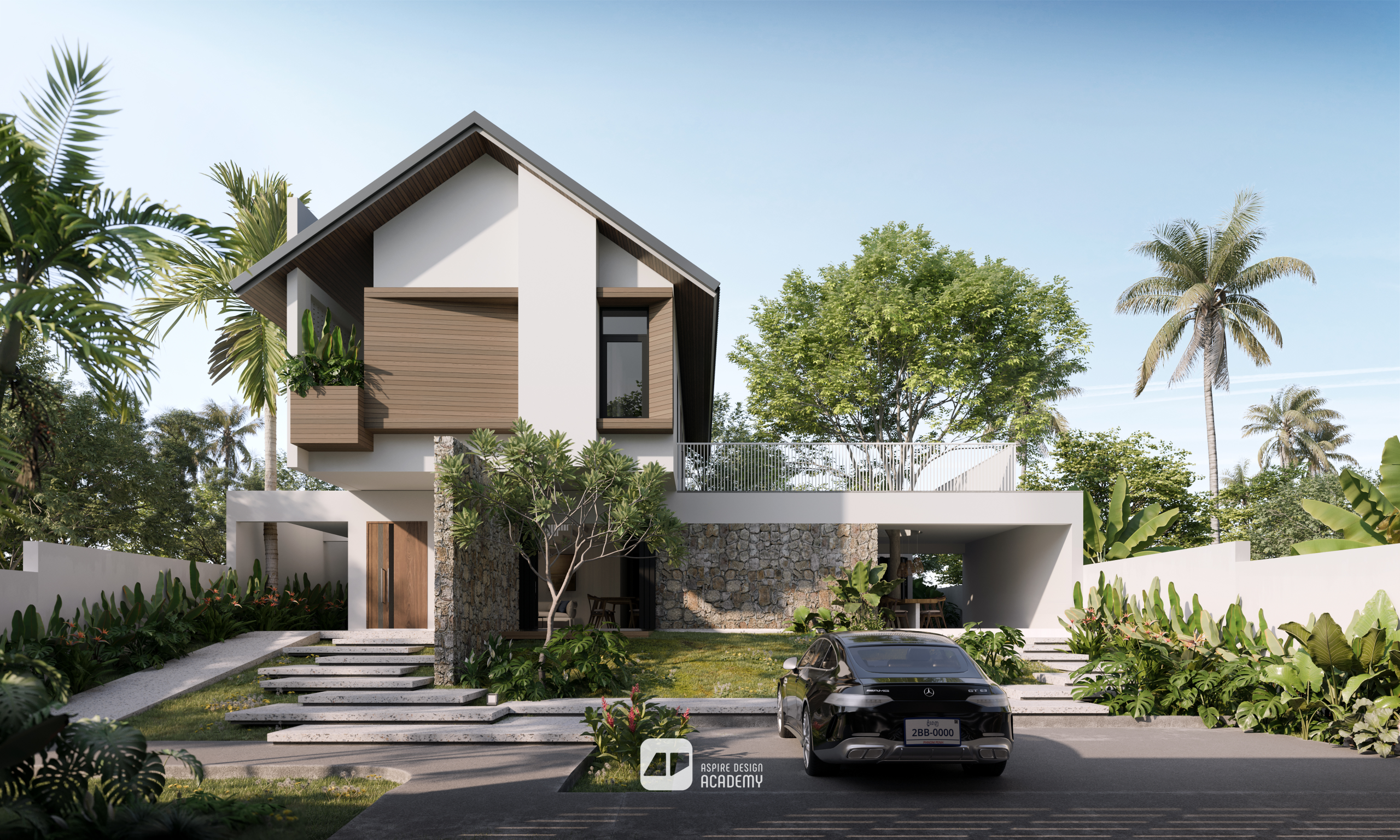
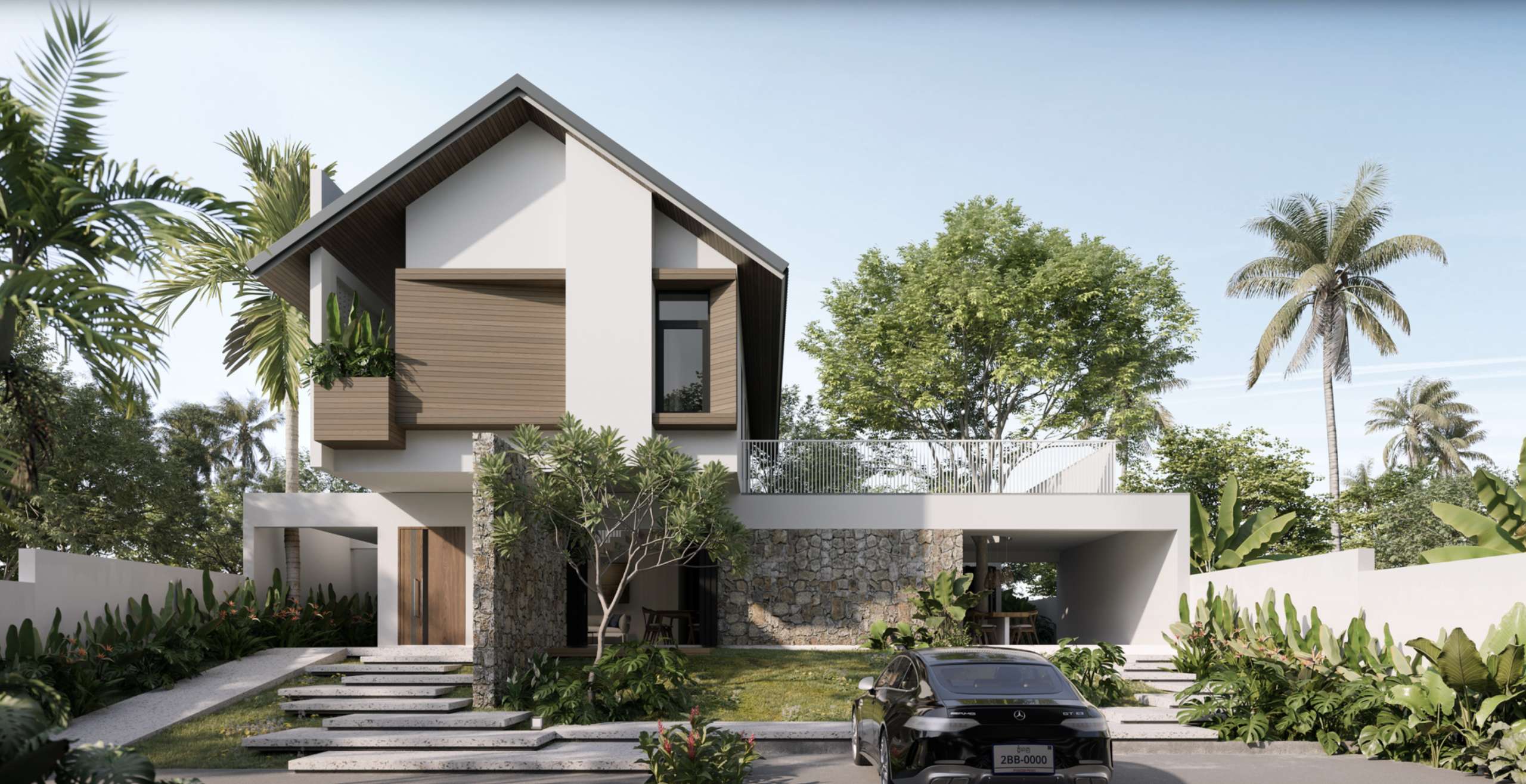
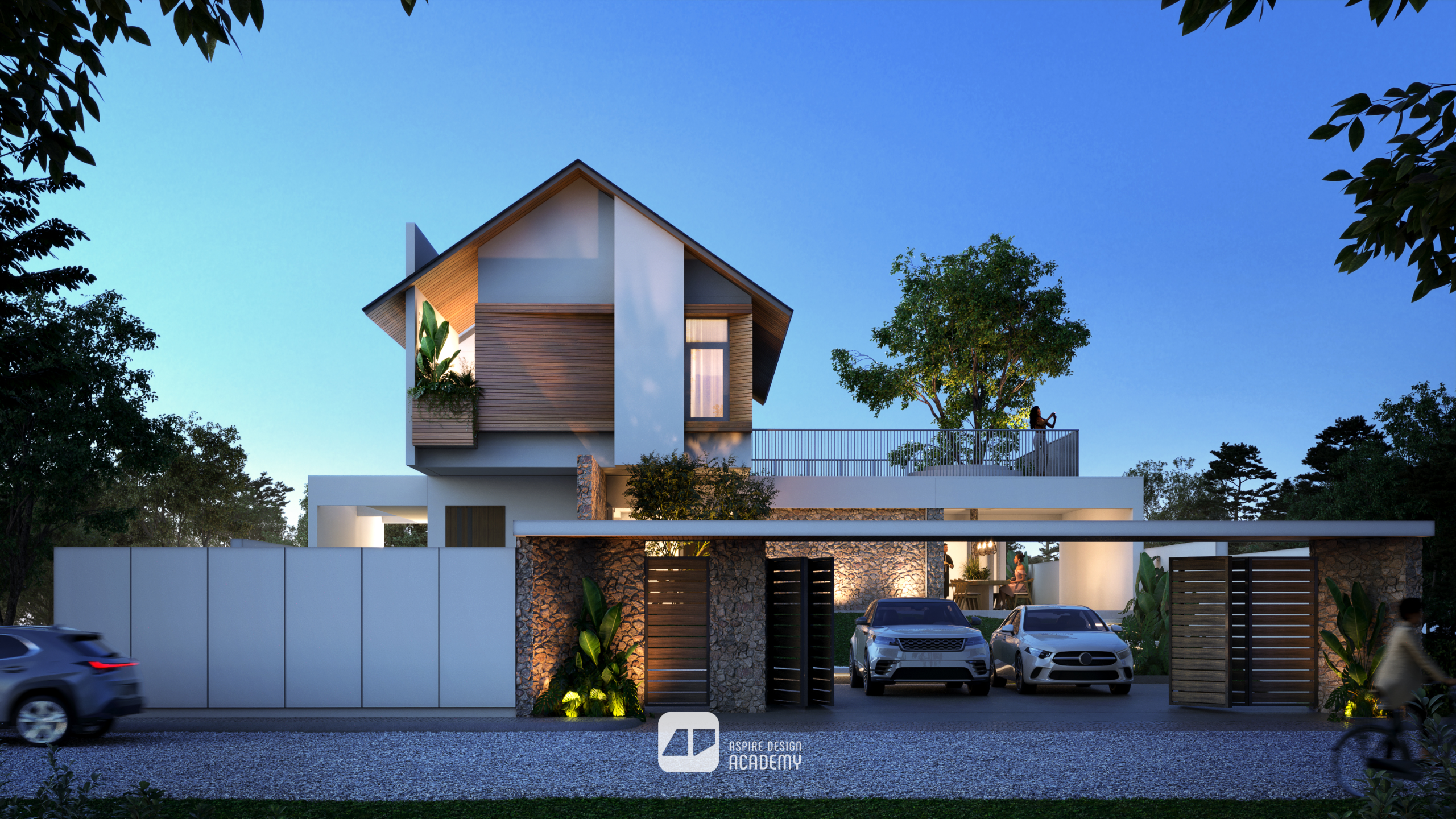
Facade Street View
High-quality exterior visualization capturing realistic lighting, materials, and environmental context.
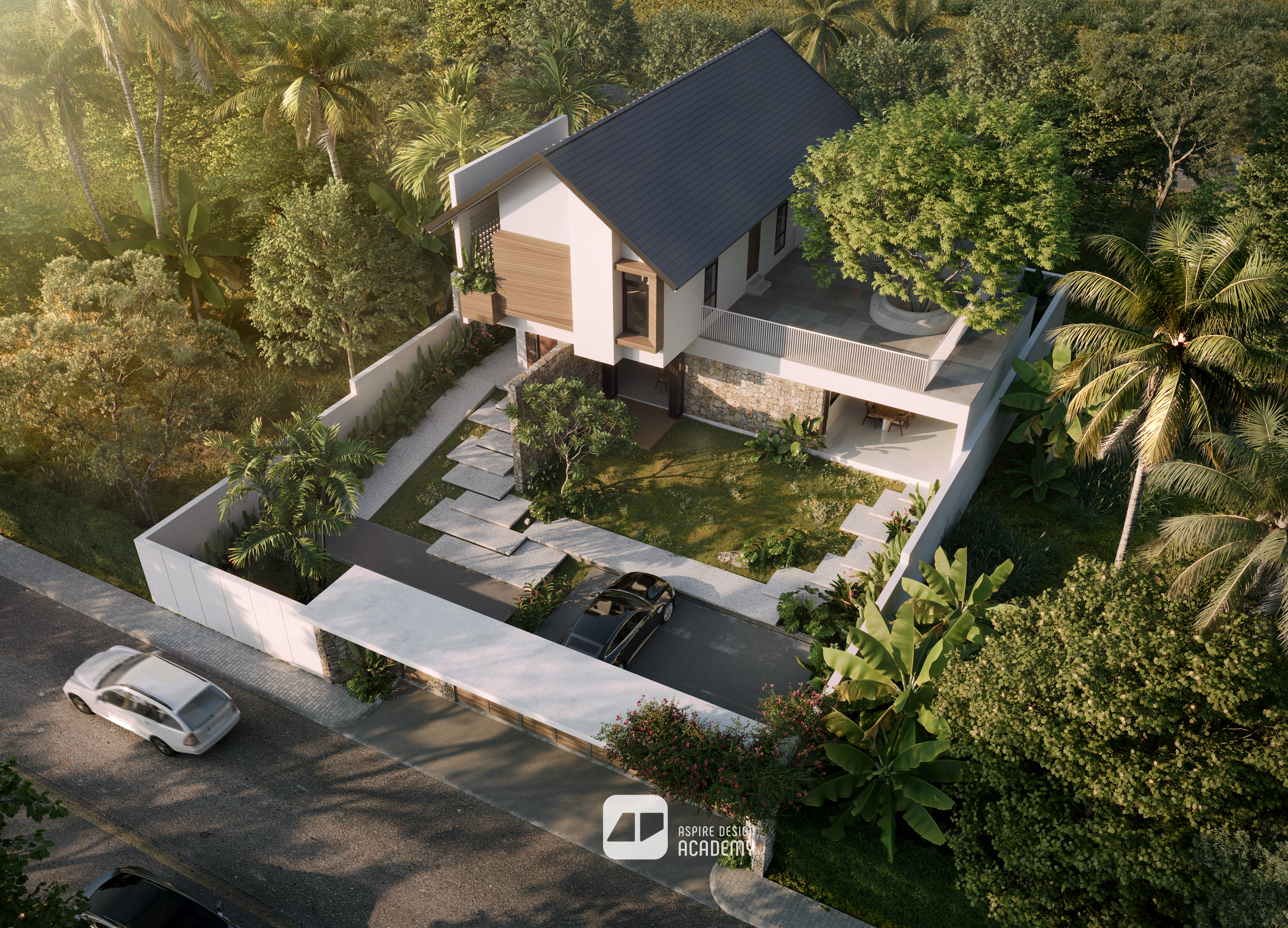
Exterior Bird Eye View
Immersive exterior aerial view showcasing spatial atmosphere, surrounding context, and natural lighting.
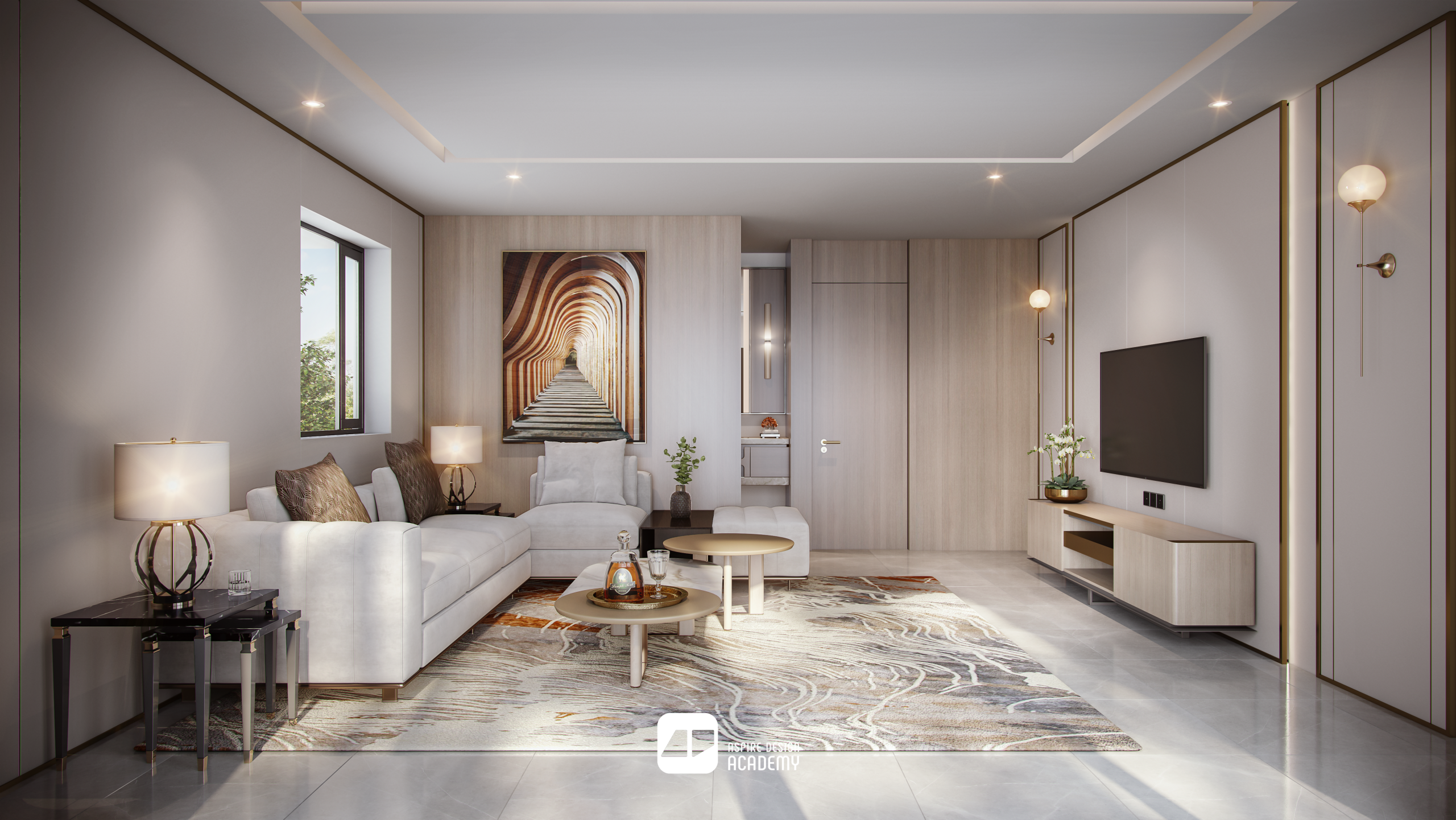
Small Interior Living Room
A refined small living room visualization emphasizing comfort, styling, and lighting balance.
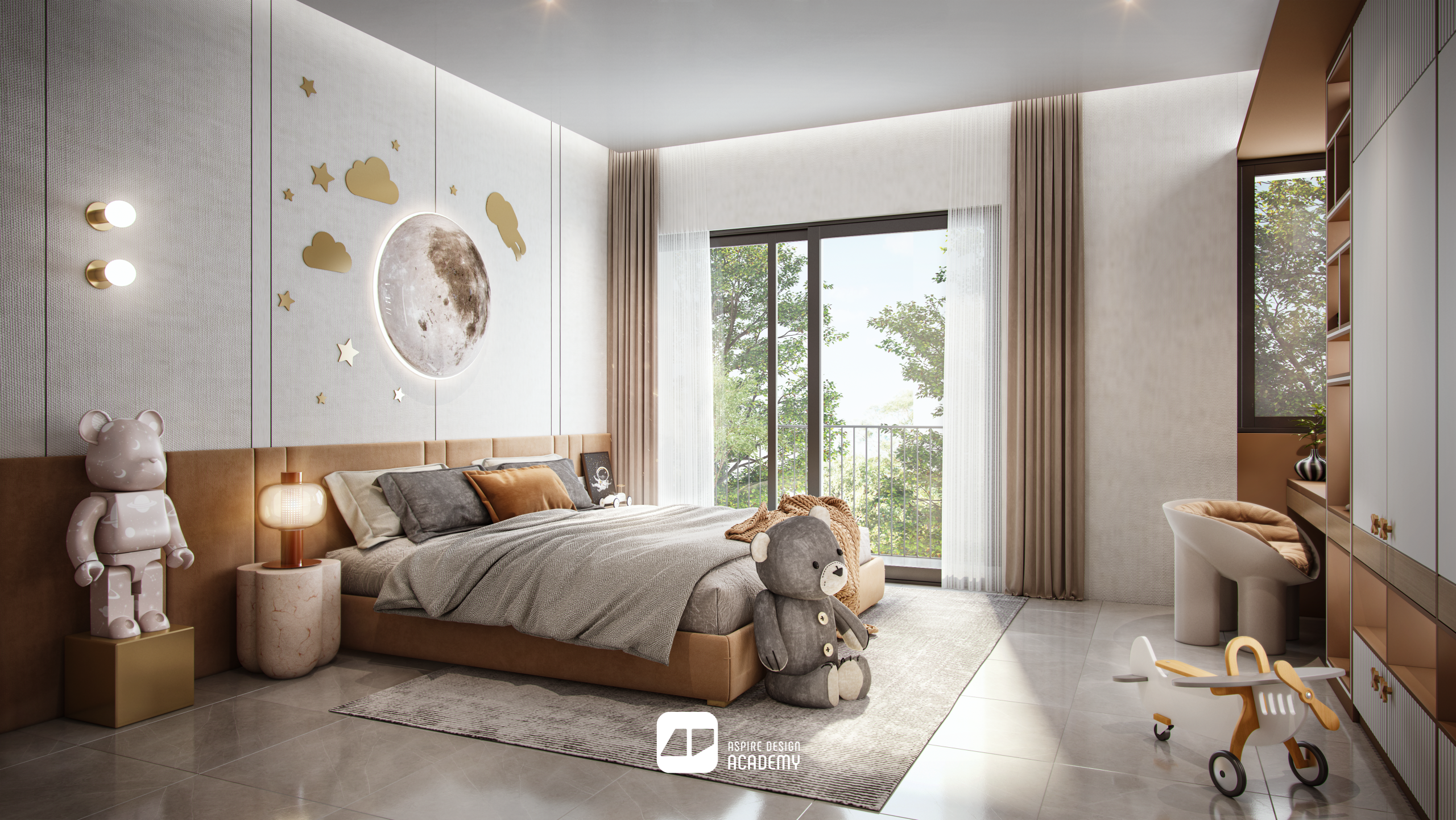
Bedroom Interior Rendering
A refined bedroom visualization emphasizing comfort, styling, and lighting balance.
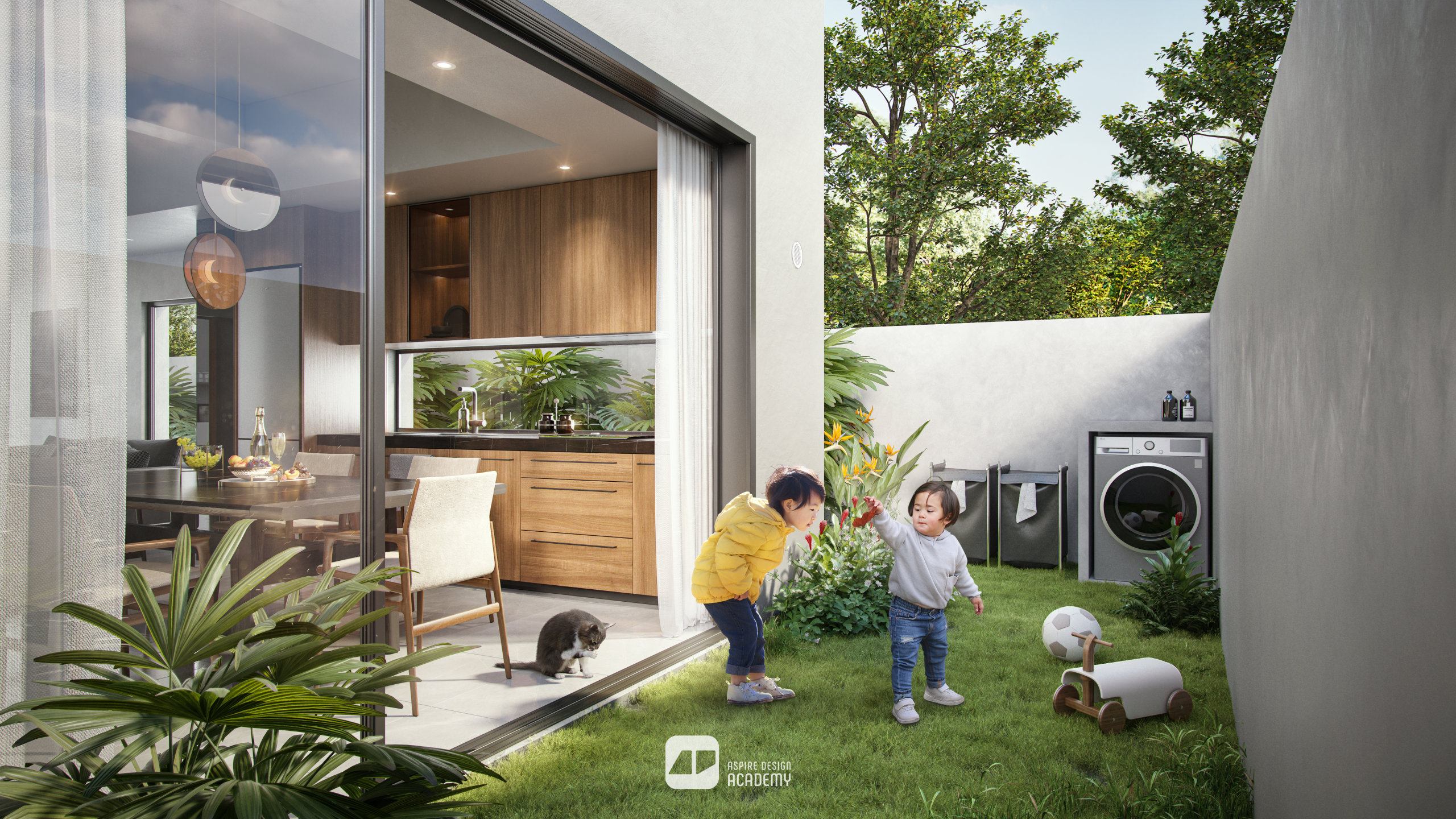
Small Landscape View
A compelling exterior with small landscape view illustrating architectural form, landscape, and design intent.
Difference Mood and Time
Student will be able to different set up of mood and feel
Career Opportunities
Roles you can pursue after completing this program