SketchUp
3D Modeling for Architects
INTRODUCTION TO SketchUp
This short course aims to train specifically Architecture & Construction industry designers to create 3D models. You’ll learn fundamental drawing and modeling techniques, transforming 2D elements into dynamic 3D geometry, and unlocking your creative potential for realistic 3D design. Embark your imaginative journey into the world of SketchUP 3D modeling.
| Subject | SketchUp Modeling |
| Duration | 12 sessions (18 Hours) 2 Days/week |
| Study Time | 1.5 hours/session |
| Study Form | In physical classes |
What You'll Learn
-
Understand essential Tools and techniques to create efficient 3D
-
Learn how to Design and Present architectural concepts in an engaging way.
-
Gain advanced skills in using Layers, Textures, Groups, and Components effectively.
-
Learn to develop (Exterior) architectural projects and (Interior) designs.
-
Be able to prepare plans for Export as high-quality images for presentations.
Who Should Attend?
-
Architecture Students
-
Interior Design Students
-
Highschool Graudated
-
Junior architects
-
Urban design students
-
Freelancer
-
Draftman
-
Real Estate Agency
-
Architecture and design passionate
Course Syllabus
Comprehensive session-by-session breakdown
Foundations & Setup
Introduction: History, Orientation and Modeling Interface
Smart Organization (Group vs. Component)
Build a model that is to edit without breaking geometry
Advanced Modification Tools
Manipulate objects with precision and complex profile like cornices or railings
From 2D Plan to 3D Shell
Place 2D drawings properly
Model 3D Structure
Complete: the building structural models
Model 3D Forms
Complete: the building architectural form
Doors, Windows, and Stairs
Detail: the exterior façade with functional architectural elements
Applying Materials
Apply: realistic finishes like wood grain, polished stone, and glass.
Site Context & Plugins (1001 Bit Pro)
Place: the building in its real-world context for accurate environmental
Furnishing Interiors
Rapidly: populate an interior space with realistic, high-quality assets
Scene Management
Set up: professional views for client presentations
Ai Render & Concept Exports
Tools: Prompt engineering Ai
Course Pricing
Single Course Registration
What Will You Build?
Apply what you learn by working on industry-relevant projects. Build a portfolio that demonstrates your skills to future employers.
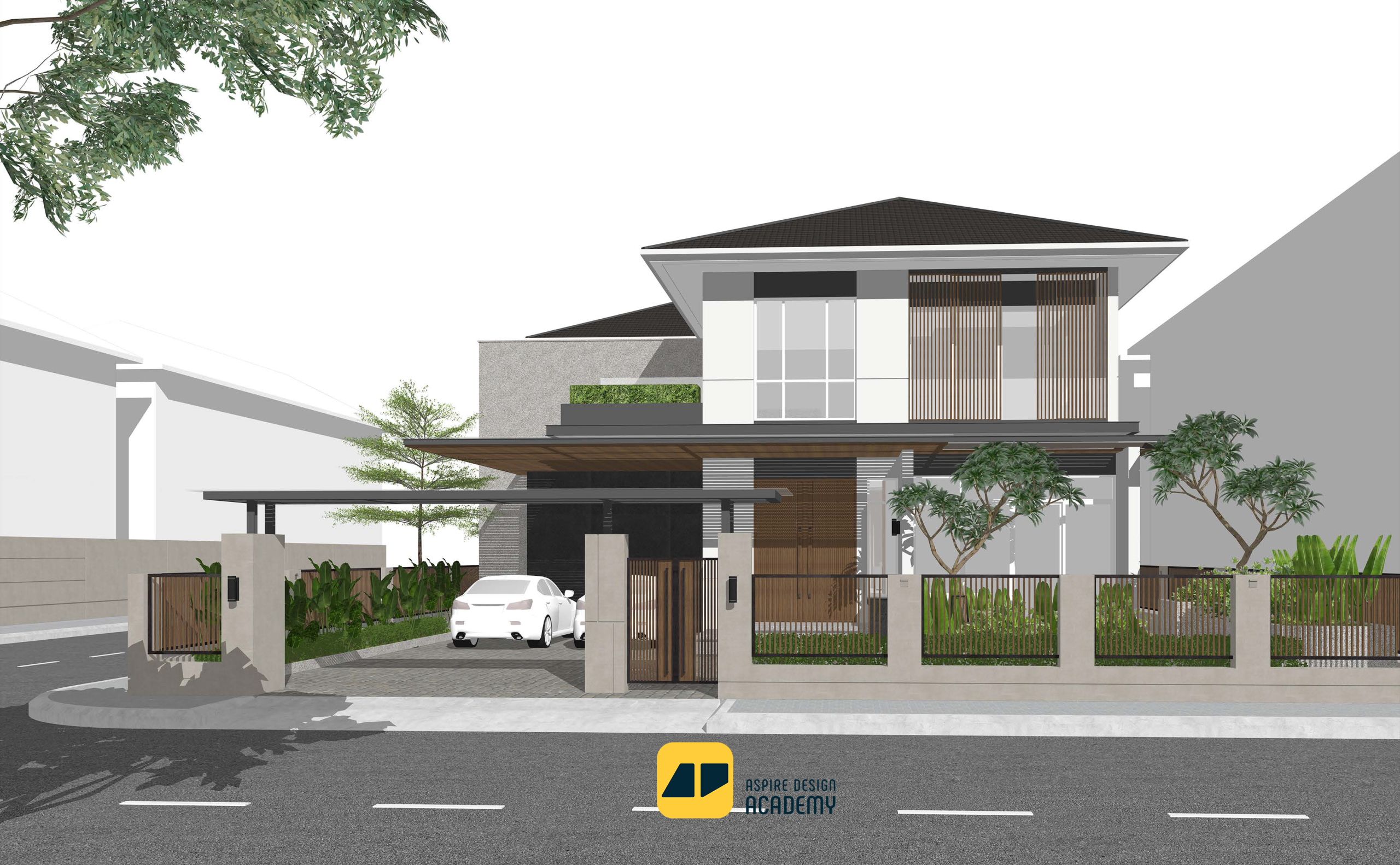
Facade Street View
Students will learn to design building facades using SketchUp, focusing on composition, materials, lighting, and street perspective to create professional exterior visualizations.
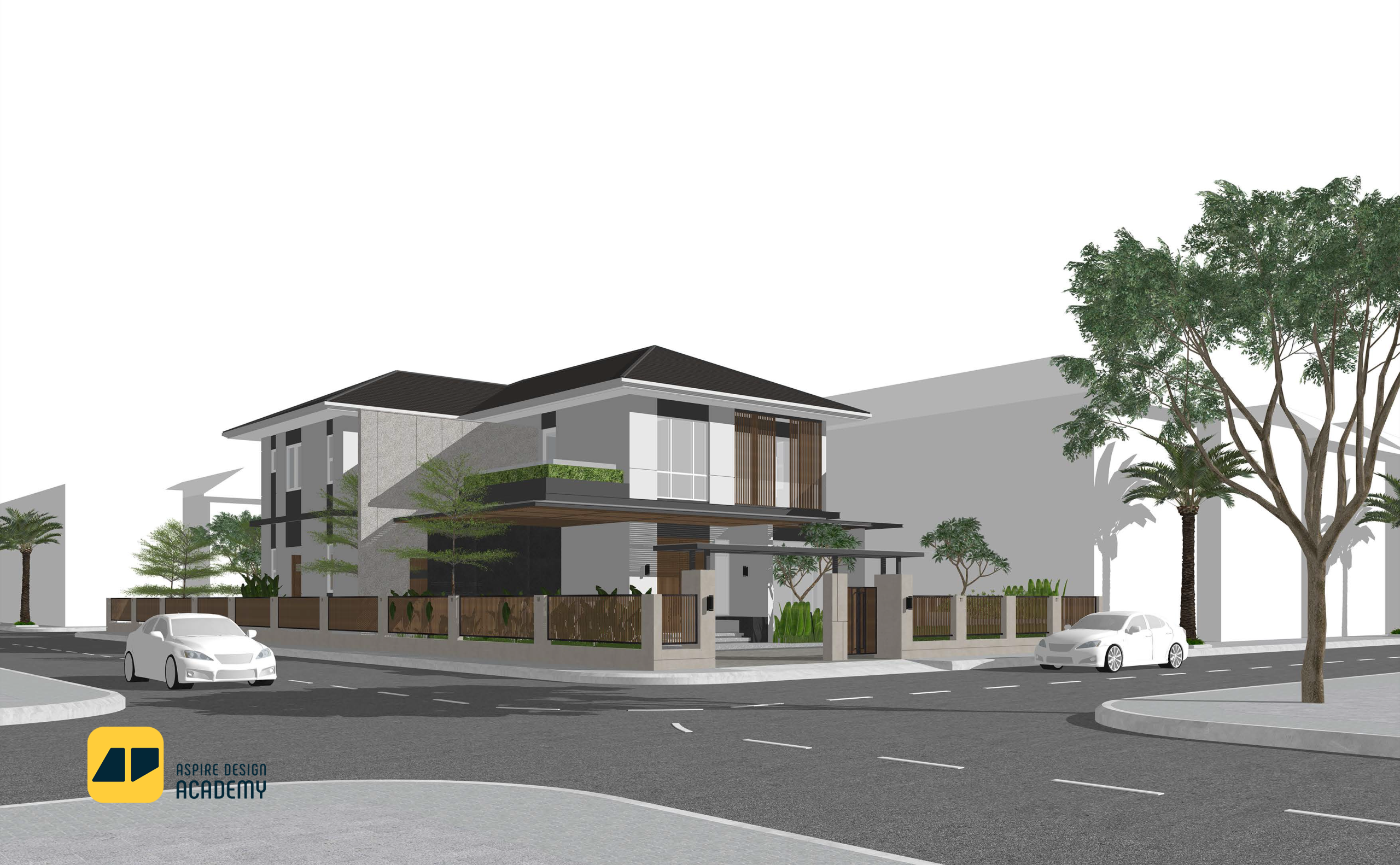
Facade Street View
Students will learn to design building facades using SketchUp, focusing on composition, materials, lighting, and street perspective to create professional exterior visualizations.
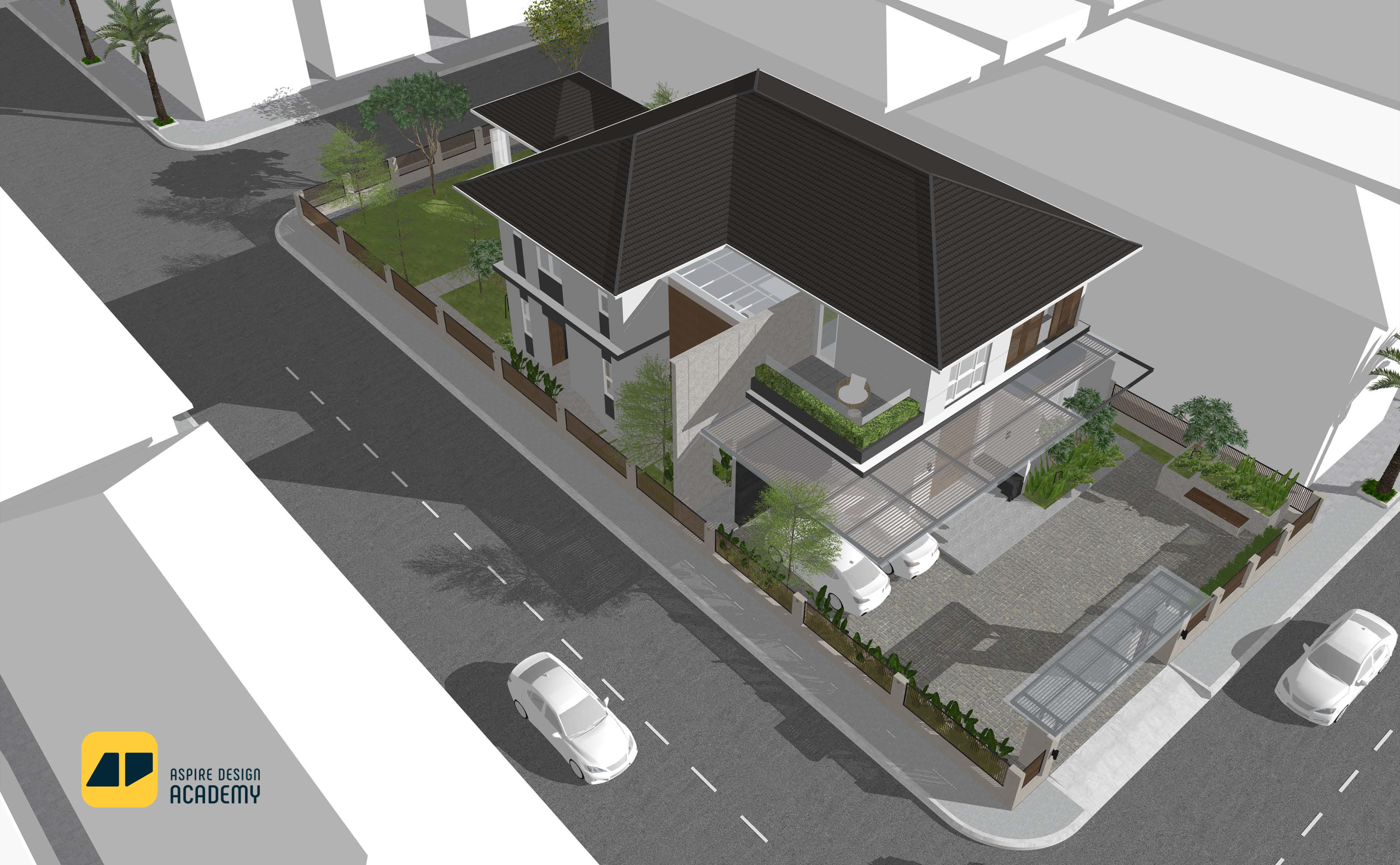
Exterior Aerial View
Students will learn to create realistic aerial perspectives in SketchUp, showcasing overall site layout, building massing, and spatial relationships from a top-down viewpoint.
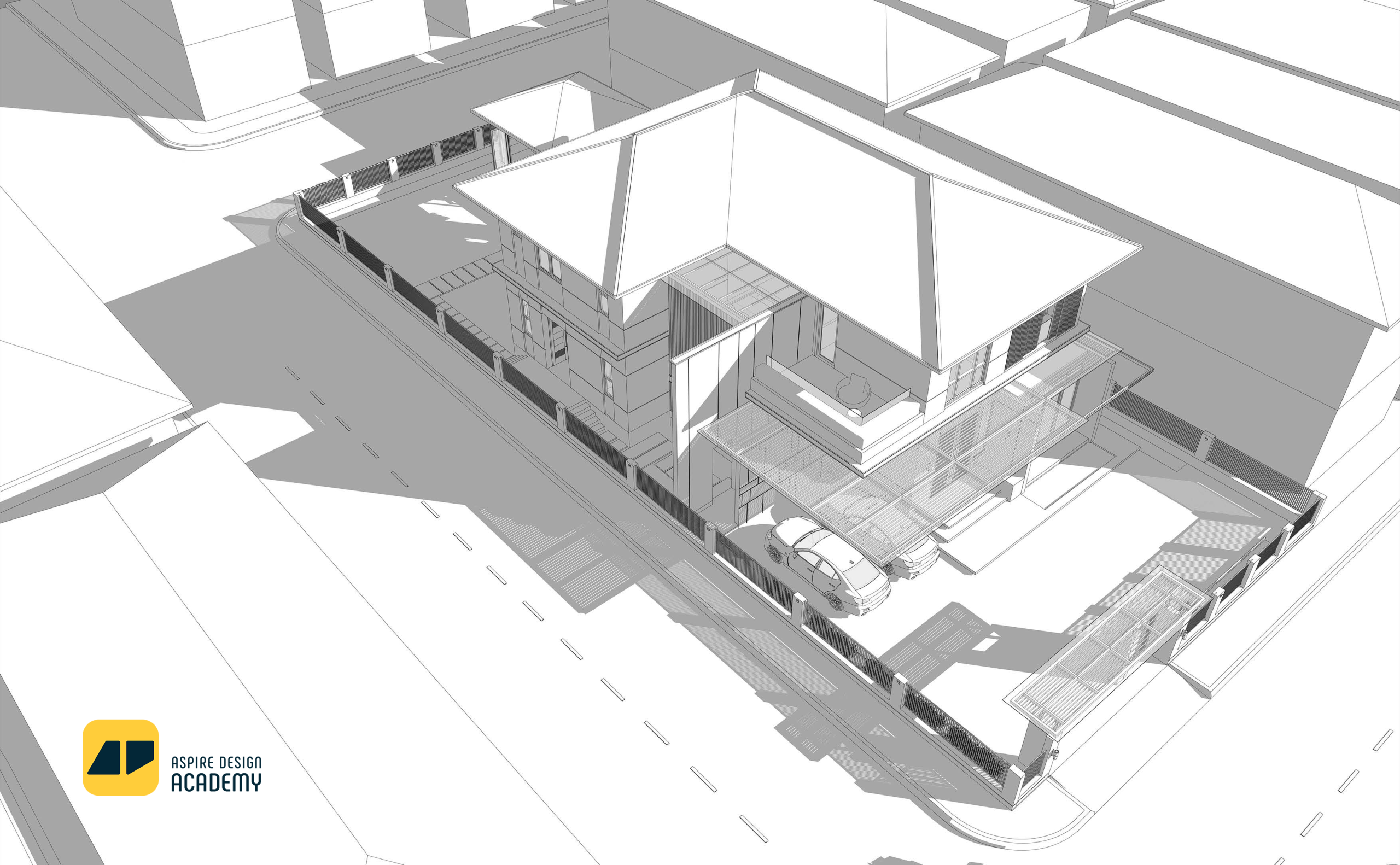
Exterior View (View style)
Students will learn to create different view style in SketchUp, showcasing overall site layout, building massing, and spatial relationships from a top-down viewpoint.
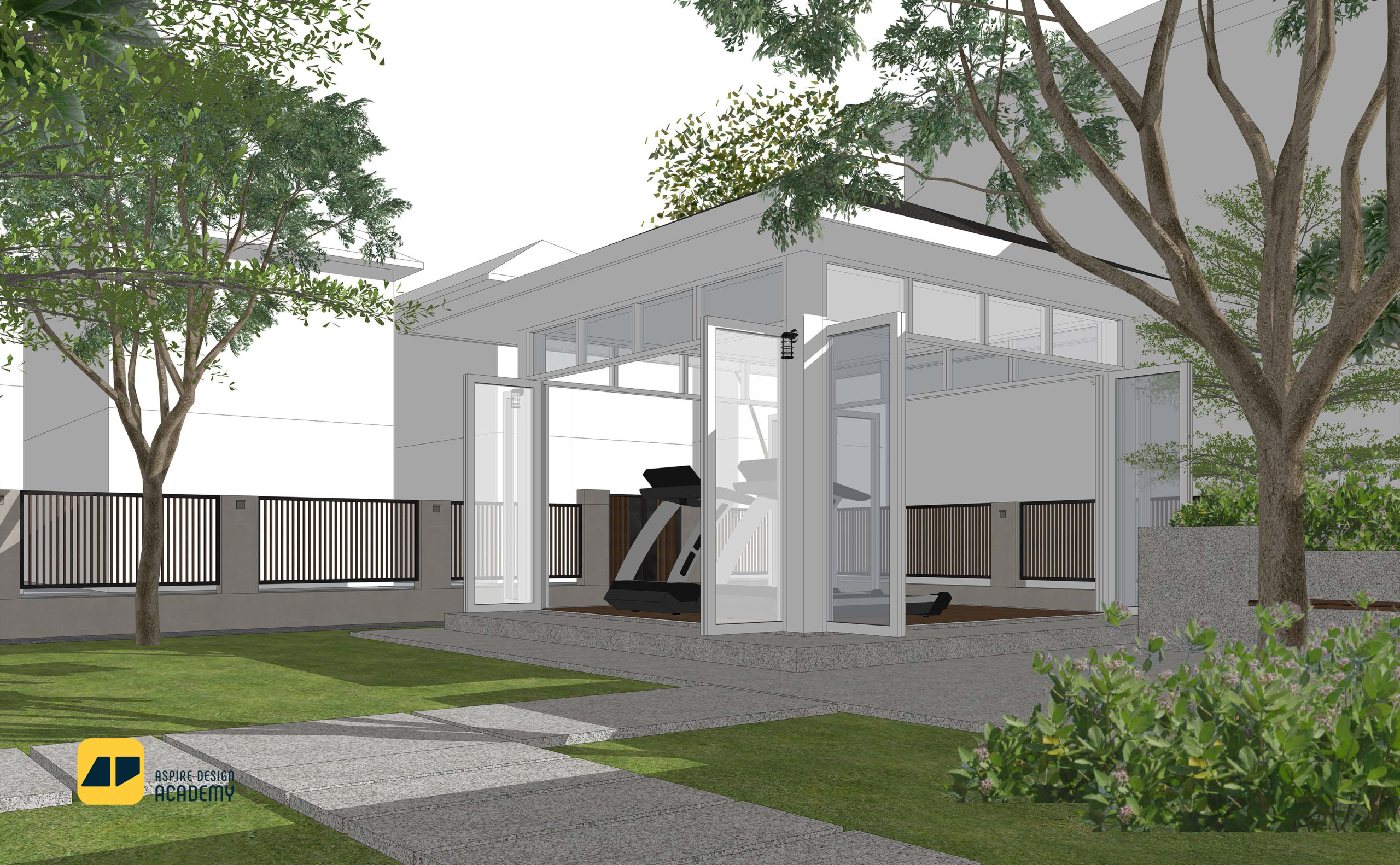
Outdoor and Landscape
Students will learn to design and model outdoor spaces and landscapes in SketchUp, including terrain, vegetation, pathways, and exterior elements to enhance the environmental context of architectural projects.
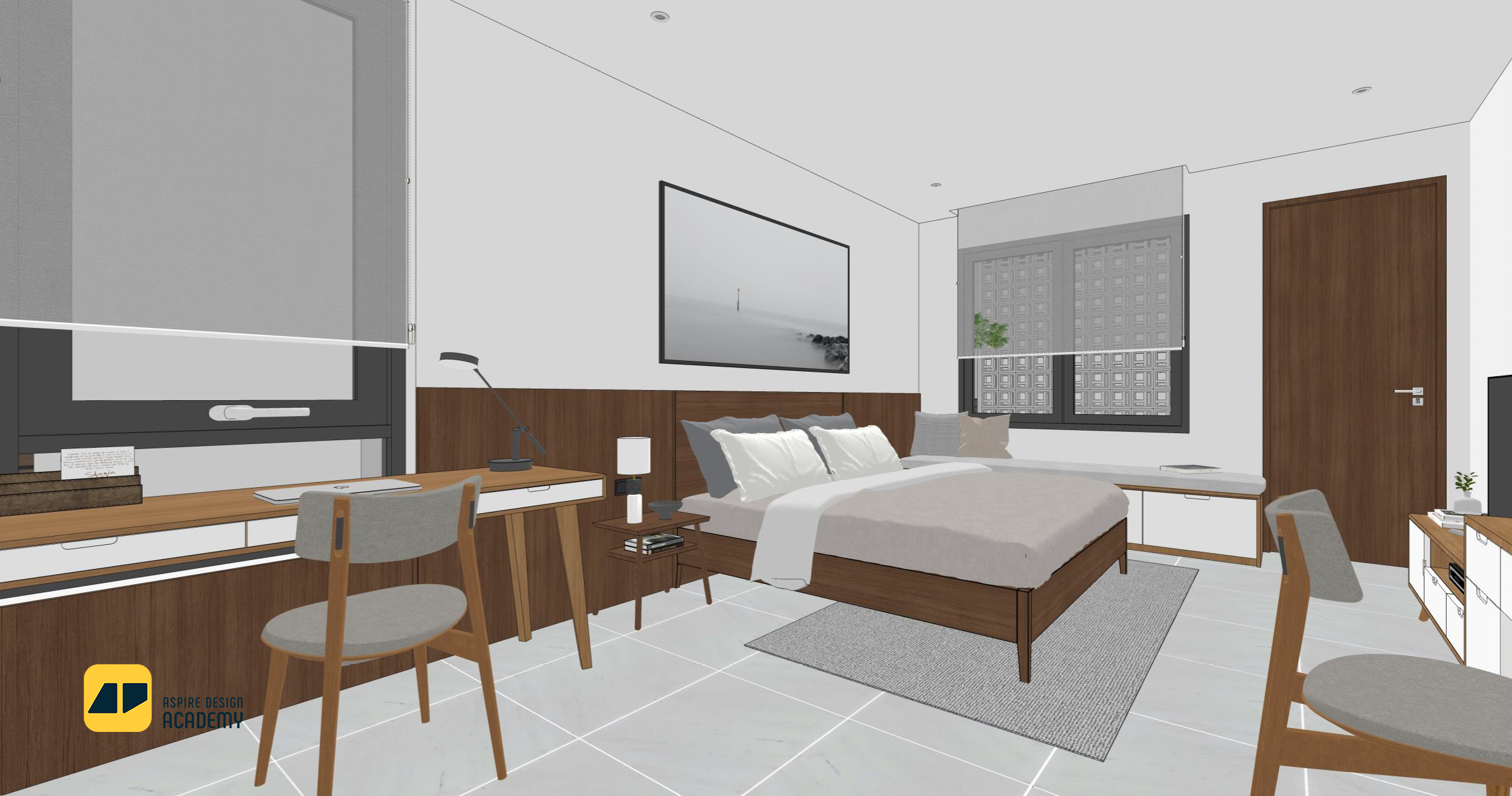
Interior Scene
Students will learn to model interior spaces in SketchUp, focusing on layout, furniture placement, materials, and lighting to create functional and aesthetic interior designs.
Career Opportunities
Roles you can pursue after completing this program