Photoshop for Architecture
Professional Architecture Story Telling with Diagram, Collage, Rendering and More.
INTRODUCTION TO Photoshop for Architecture
Unlock Photoshop’s full potential with AD Academy. Our training transforms its complexity into clarity, empowering you to create stunning architectural visuals, collages, diagrams, perfect photographs and presentation boards with styles. Experience a significant leap in your abilities and achieve Photoshop mastery with our guidance, with a principle of “Show Better.”
| Subject | Photoshop for Architecture |
| Duration | 12 sessions (18 Hours) 2 Days/week |
| Study Time | 1.5 hours/session |
| Study Form | In physical classes |
What You'll Learn
-
Able to create Graphic Diagrams to explain ideas in architectural projects.
-
Proficient in Rendering Master Plans, Floor Plans, Elevations, and more.
-
Skilled in producing Collage Renderings that are visually appealing and attractive.
-
Knowledgeable in preparing Board Presentations with clarity and visual impact.
-
Design architectural portfolios and posters with strong visual storytelling and layout composition.
Who Should Attend?
-
Architecture Students
-
Interior Design Students
-
Highschool Graduated
-
Junior architects
-
Urban design students
-
Freelancer
-
3Ds Artist
-
Real estate marketing designers
-
Architecture and design passionate
Course Syllabus
Comprehensive session-by-session breakdown
The Foundation of Space
Introduction to Photoshop: Interface, tools, and workspaces.
Atmosphere and Aesthetic
Basic tools: Selection, Erase and Transform
Site and Sky
Imports: 3D Images, Rasterized Images and Smart Objects
Foreground, Midground, and Background Separation
Advance Tools: Use Brush to create custom trees and people
Line-work and Poche
Imports: CAD File / PDF File
Softening the Plan
Using Blending Modes: Drop Shadow, Bevel, etc.
The Cut and The Context
Imports: CAD File / PDF File
Internal Life
Adjustment Layers: Level, Curves to highlight specific hierarchy
Clean Lines and Flat Colors
Imports: 3D PDF/Images
Exploded Views and Annotations
Add Dash: Use Pen Tool
The Layout Grid
Managing a large-scale file: A0
Final Polish and Export
Export the presentation board for print and digital display.
Course Pricing
Single Course Registration
What Will You Build?
Apply what you learn by working on industry-relevant projects. Build a portfolio that demonstrates your skills to future employers.
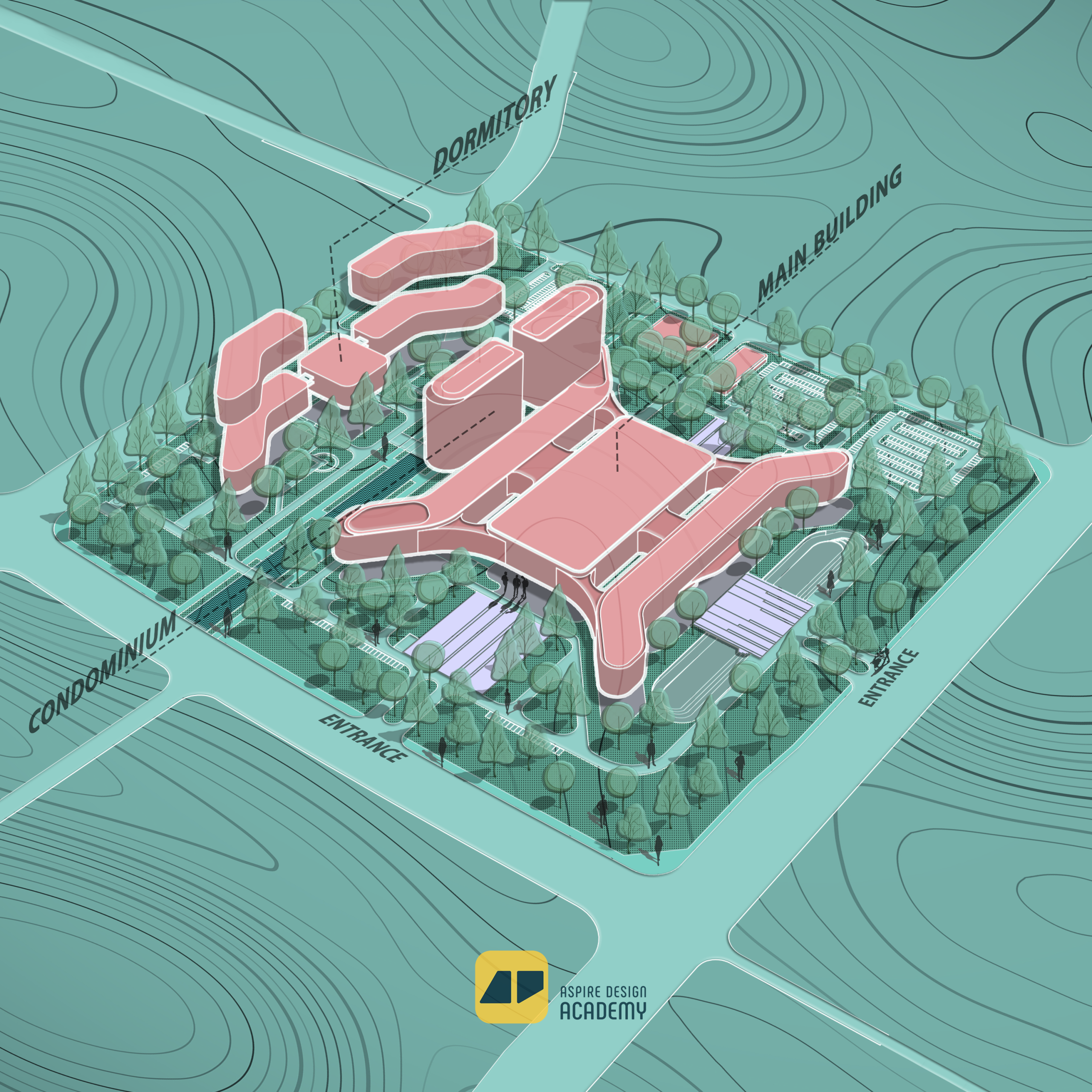
Site Plan Rendering
Students will be able to create professional Site Plan Renderings that visually communicate design concepts through realistic textures, lighting, landscape elements, and presentation-ready graphics.
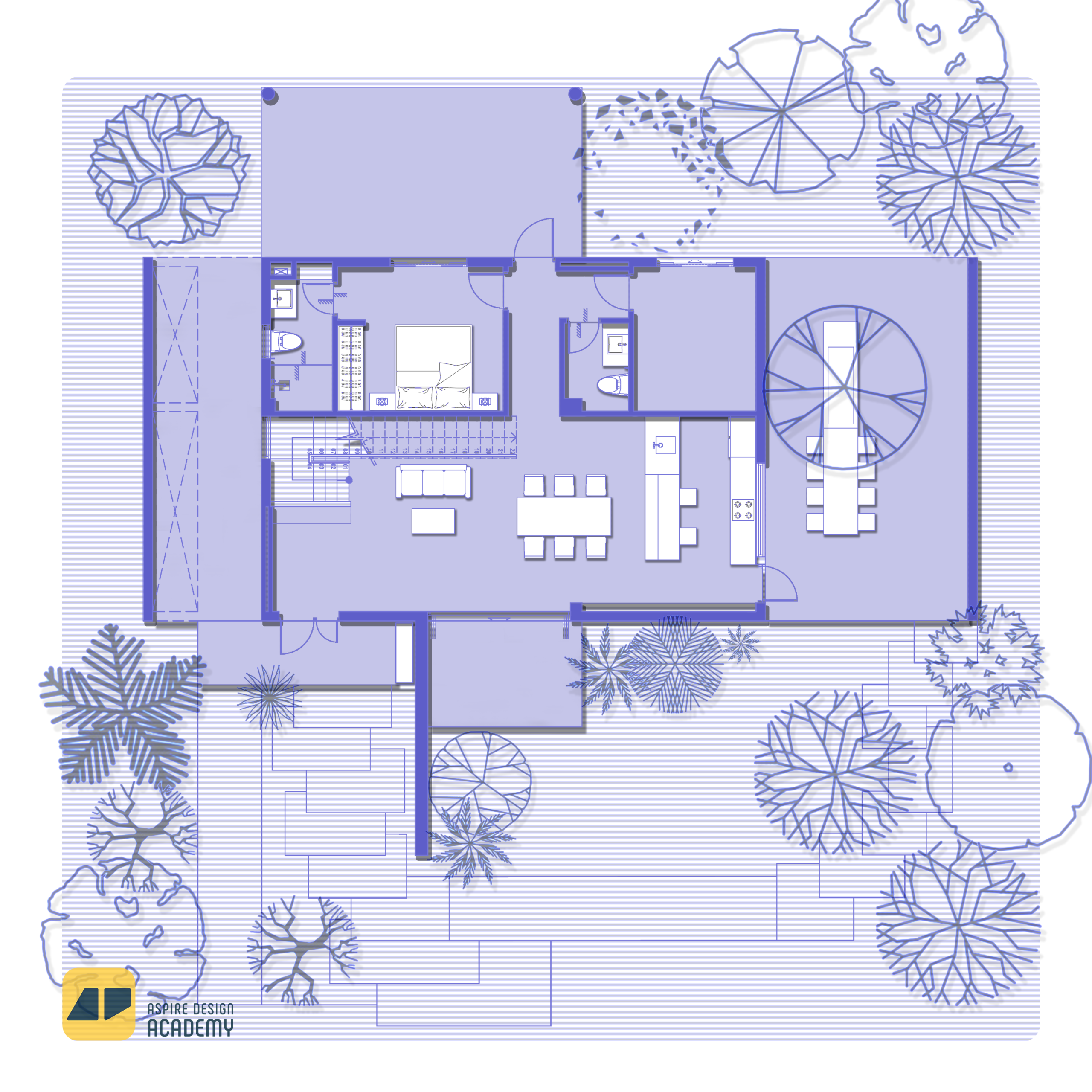
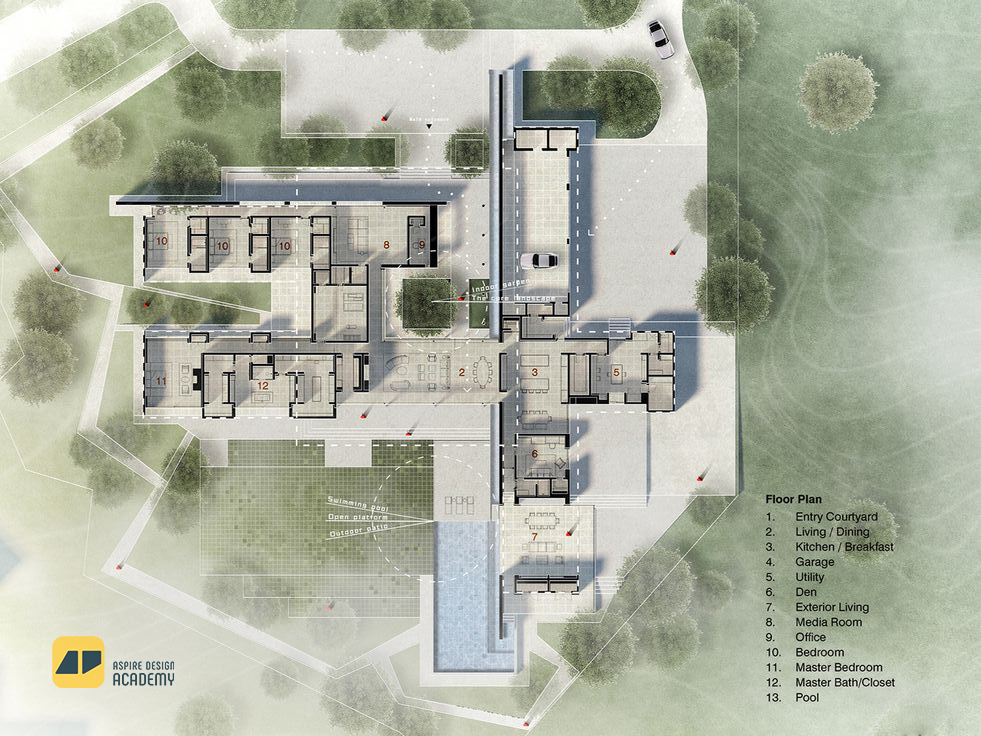
Floor Plan Rendering
Students will be able to produce visually appealing Floor Plan Renderings with realistic materials, shadows, furniture, and context that clearly express the design’s layout and atmosphere.

Exterior Collage
Students will be able to create creative and expressive Collage Renderings that combine textures, people, and context to visually communicate design concepts and moods in a compelling artistic style.
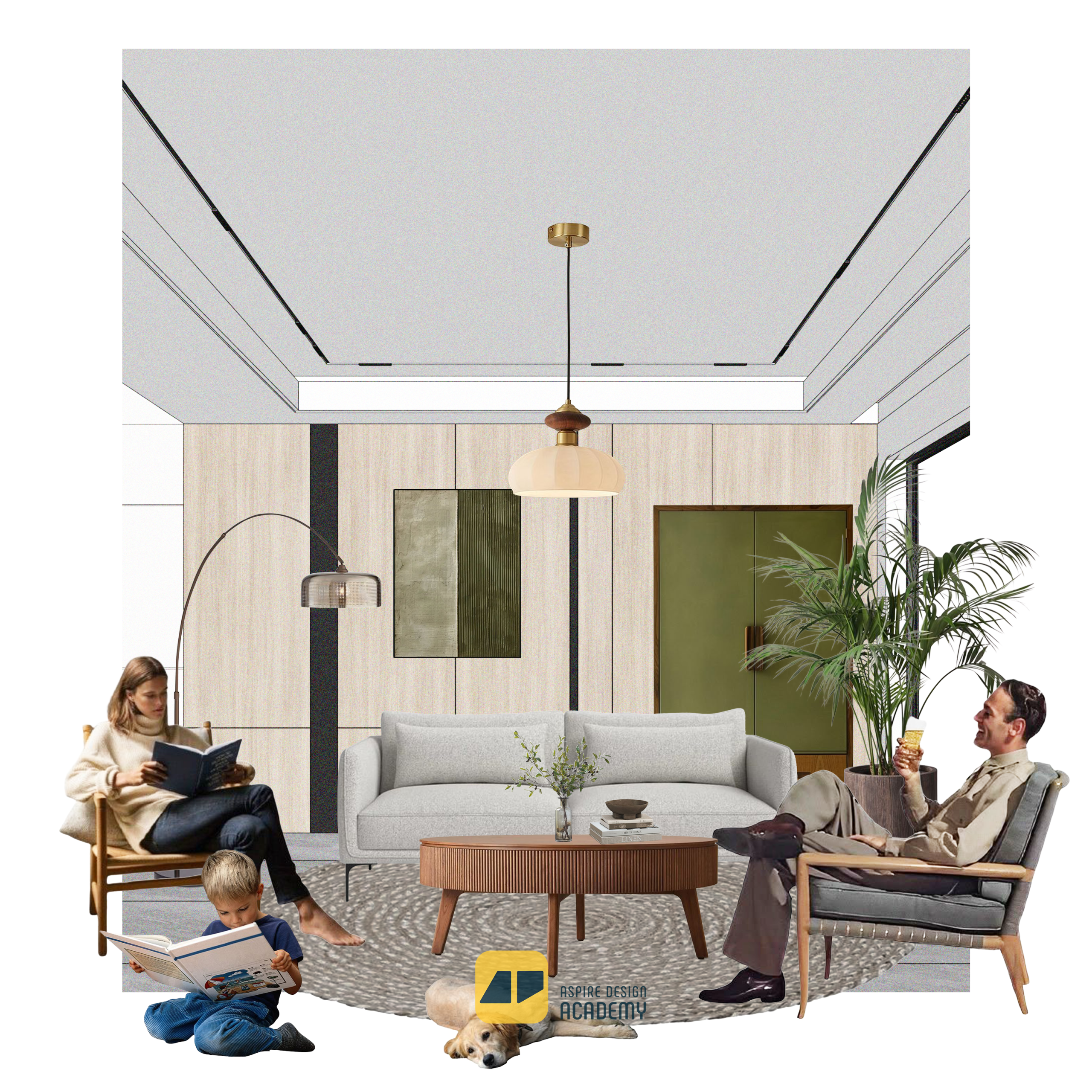
Interior Collage
Students will be able to design captivating Interior Collage Renderings that blend materials, lighting, furniture, and human elements to convey spatial atmosphere and interior design concepts effectively.
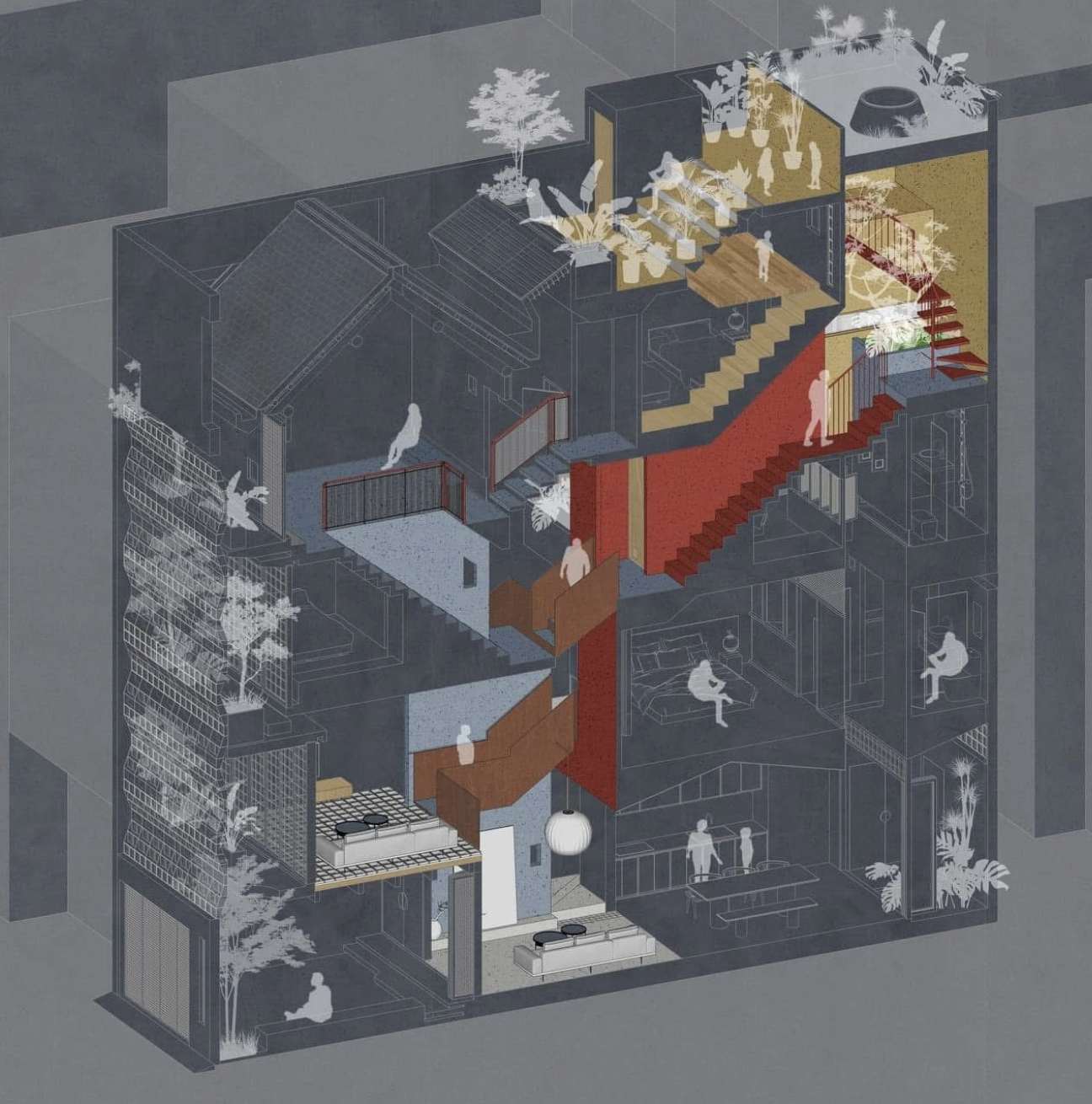
Architecture Diagram
Students will be able to produce clear and visually engaging Diagram Renderings that effectively illustrate design ideas, spatial relationships, and conceptual narratives through color, composition, and graphic elements.
Master Plan Rendering
Students will be able to create professional Site Plan Renderings that visually communicate design concepts through realistic textures, lighting, landscape elements, and presentation-ready graphics.
Career Opportunities
Roles you can pursue after completing this program